Challenge
Two different audiences
Agents and photographers visit the same website, but they are looking for different tools, benefits, and next steps.
UX Design / Bootstrap / User Flow
Designed and implemented a role-based responsive website with Bootstrap.
A real estate listing platform experience designed around two primary user groups: agents and real estate photographers. The UX goal was to let users immediately choose the right path from the homepage, then land on a page focused on their own needs.
Challenge
Agents and photographers visit the same website, but they are looking for different tools, benefits, and next steps.
Challenge
The homepage needed to help users understand where to go immediately, instead of forcing them to read through unrelated content.
Challenge
Each entry point needed a simple value proposition so users could confirm they were choosing the right path.
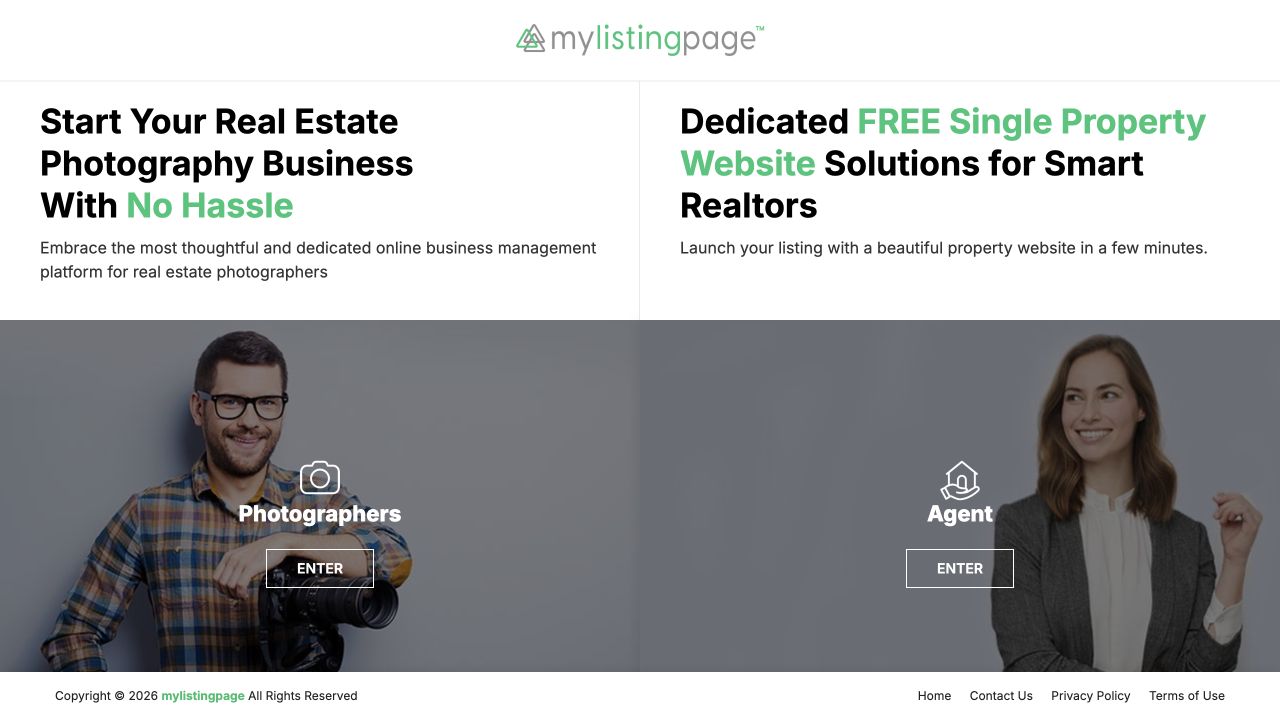
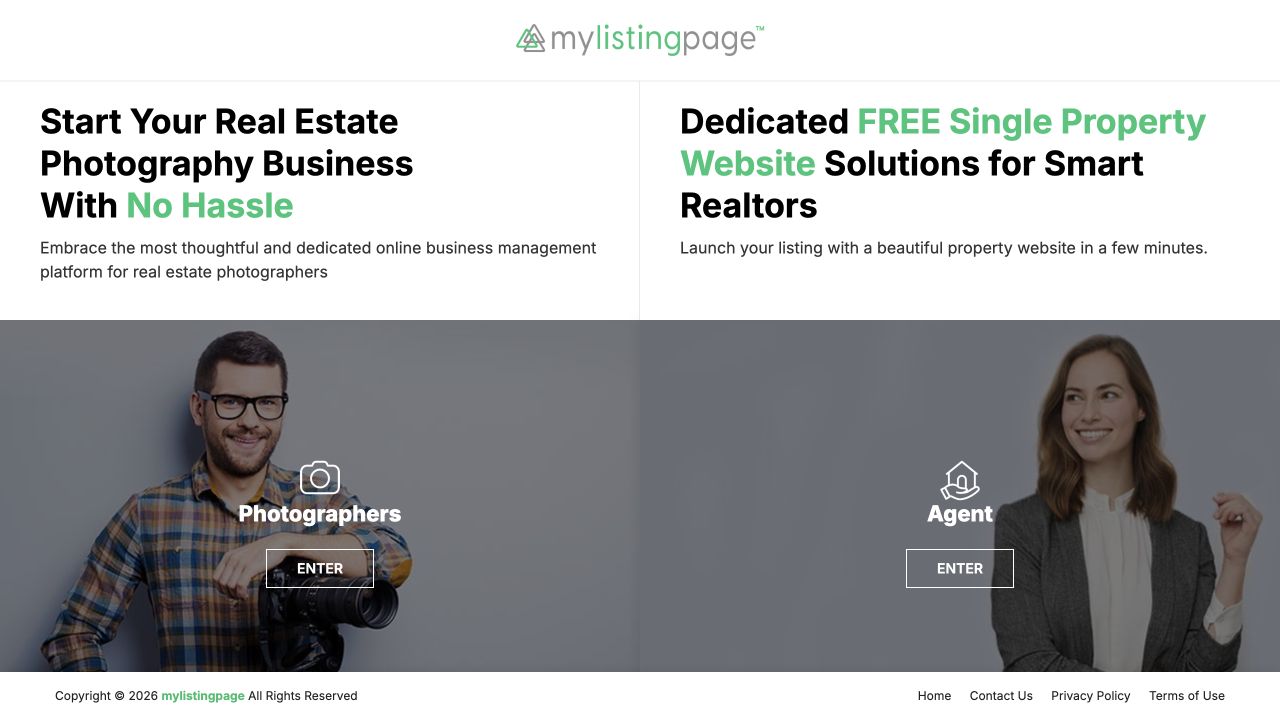
The homepage was designed as a role-based gateway. Instead of presenting all services at once, the first screen separates the experience into two direct choices: Photographers and Agent. This keeps the page simple, reduces cognitive load, and lets each user move toward the content that matches their task.
Agents want listing website tools, while photographers want business management support. The homepage needed to identify each user quickly.
I used two direct entry points on the first screen so each user could choose their role before reading deeper service content.
Each visitor is guided to a dedicated landing page with matching messaging, benefits, and calls to action.
The two main homepage panels act as clear entry points. Each side speaks to a different audience with its own headline, short description, role label, and Enter action.
The layout avoids overloading the first screen. The design focuses on helping users self-identify, then continue into the most relevant page.
The key UX decision was to avoid forcing every visitor through the same information path. Photographers and agents each get a dedicated landing page after the homepage, so the messaging, benefits, and calls to action can stay focused on their specific needs.
Photographers enter a page focused on real estate photography business management. The content highlights workflow support, client follow-up, marketing material generation, and business tools that help photographers spend more time shooting and less time on admin work.
View photographer pageAgents enter a page focused on free single property websites. The page communicates the value of launching a listing website quickly, viewing themes, and creating a free account without distracting them with photographer-specific features.
View agent pageThe homepage works like a simple decision point. Instead of asking users to explore the full site first, it asks them who they are, then sends them to the page with the most relevant message and action.
Bootstrap's grid system supports the role-based homepage and dedicated user pages across desktop, tablet, and mobile screens.
Shared components and utility classes keep navigation, content sections, cards, and calls to action consistent across user paths.
I translated the UX and visual design into a working responsive website with structured HTML, CSS, and Bootstrap.
Agents and photographers can immediately choose the correct entry point from the homepage.
The role-based split helps users avoid unrelated information and reach their intended solution faster.
The homepage communicates two distinct product directions while keeping the overall experience focused and easy to understand.
I would validate the design through usability testing
and iterate based on real user feedback.